

Introduction: Why Google Is the First Place Customers Look

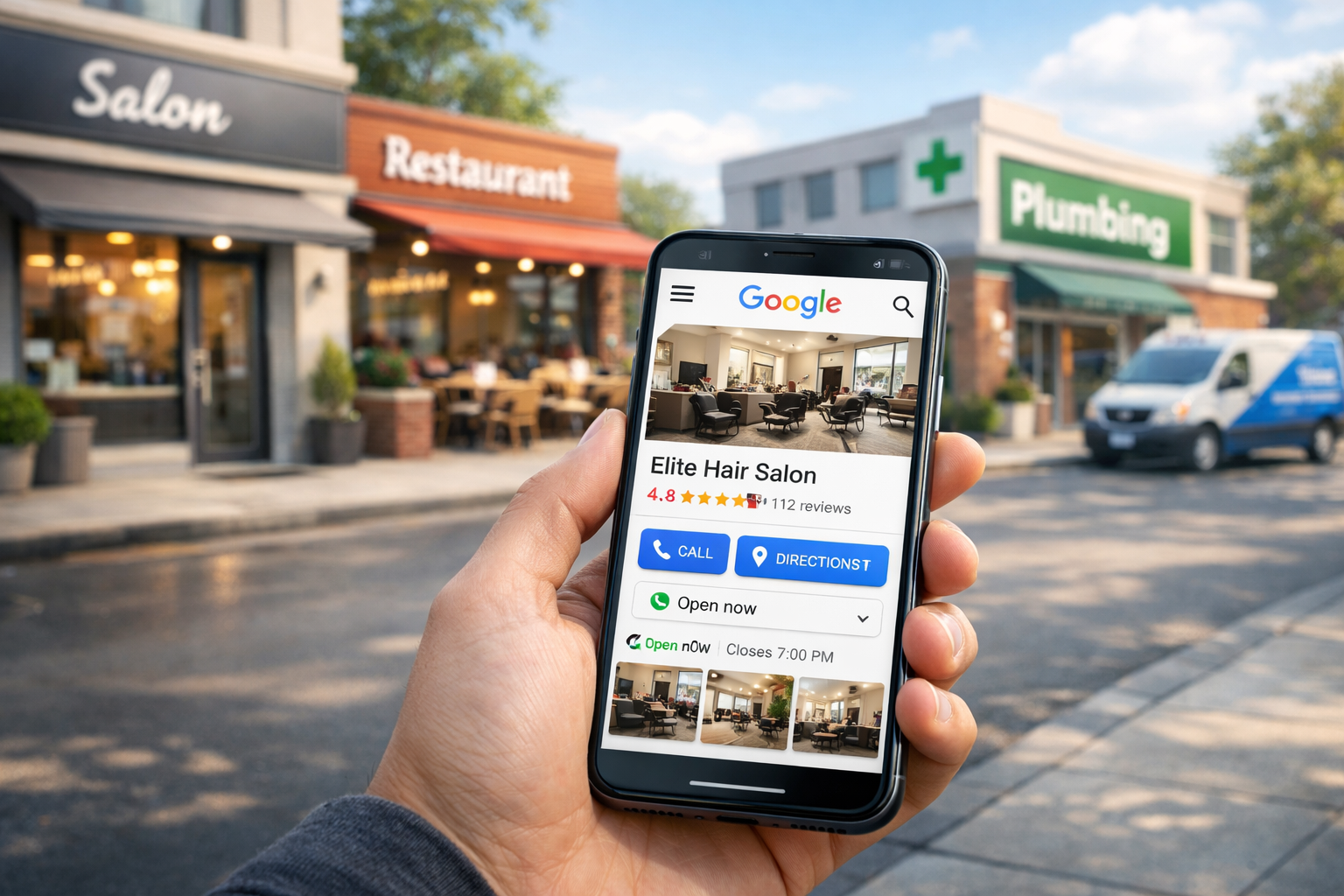
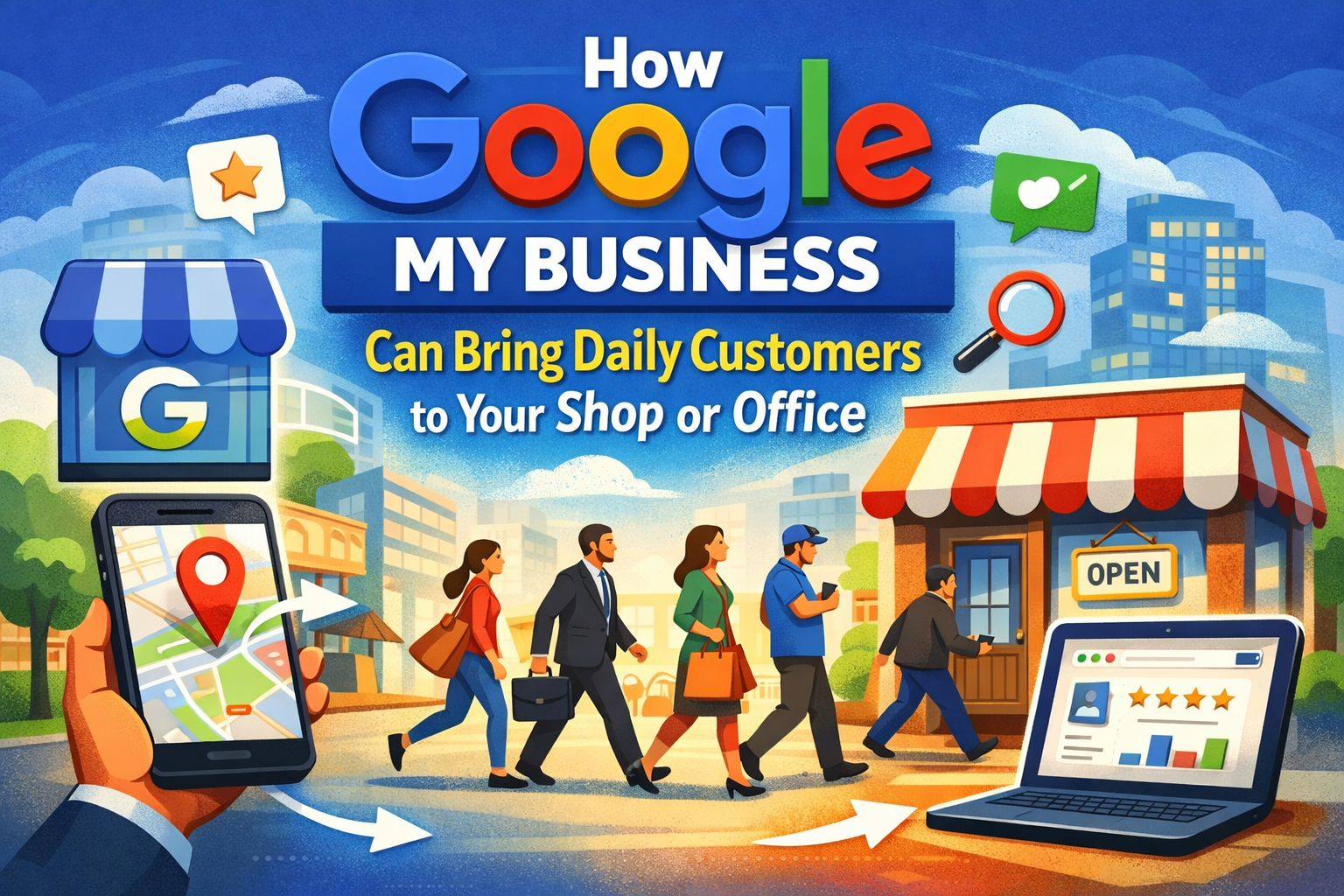
When someone needs a haircut, a plumber, a restaurant, or a clinic, the first action is usually a Google search – often on a phone while walking or driving. That simple search can lead directly to a call, a message, or a visit. This is the magic of Google My Business (now called Google Business Profile): it puts your shop or office in front of customers at the moment they are ready to act. In this article you’ll learn exactly how an optimized Google Business Profile brings daily customers to your door – without expensive advertising.
What is Google My Business (Google Business Profile)?

Google Business Profile is a free listing that shows your business information on Google Search and Google Maps. It displays your phone number, address, opening hours, photos, services, and customer reviews. More importantly, it gives visitors direct actions – call, message, get directions or visit your website – with a single tap. For local businesses, this is a direct line to high-intent customers.
Talking Points:
- Free Google tool for local businesses
- Shows business on Search & Maps
- Allows calls, messages, directions
Why “Near Me” Searches Drive Daily Footfall
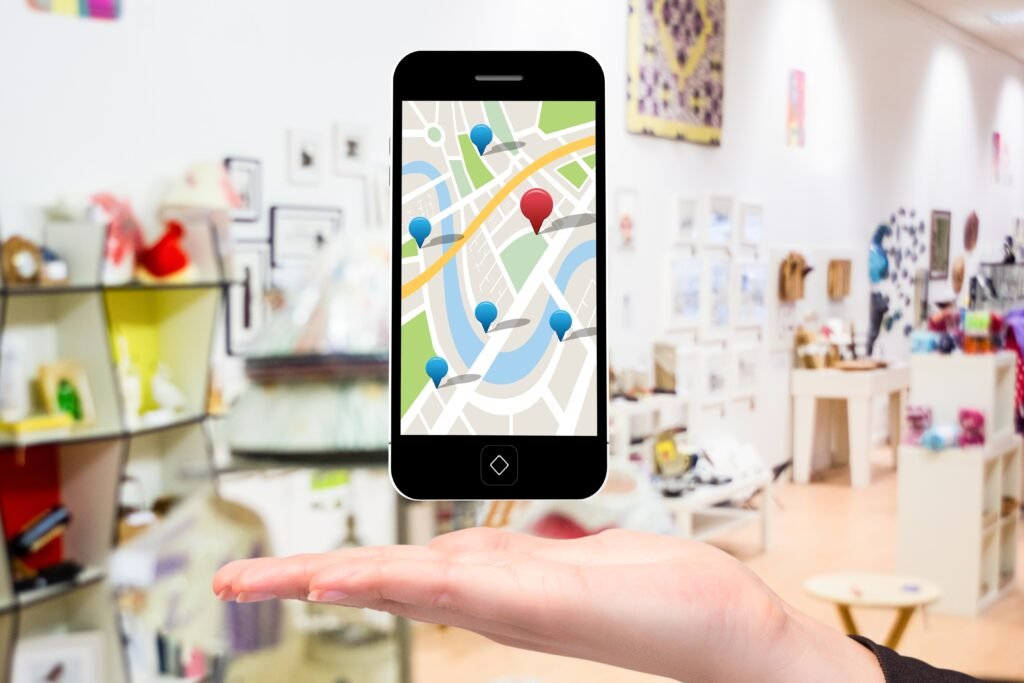
Mobile and voice search have changed how customers discover local services. Searches like “restaurant near me”, “clinic open now”, or “shoe repair near me” are intent-driven: people are often ready to visit. Google prioritizes local listings in such searches, and if your Business Profile is visible and optimized, you’ll appear in front of customers at the moment they need you – resulting in daily calls and visits.
Talking Points:
- Rise of mobile & location-based searches
- Examples: salon near me, clinic near me
- GMB importance for instant decisions
How Click-to-Call and Directions Turn Searches into Visits

One major advantage of a Google Business Profile is action buttons. On mobile, a potential customer can tap Call and talk to you instantly – no form, no friction. If they want to visit, the Directions button launches Google Maps and drives them to your location. These tiny steps convert passive searchers into real customers. The simpler you make it for customers to contact you, the more calls and walk-ins you get every day.
WhatsApp & Messaging: Capture Enquiries the Way Customers Prefer
In many markets, especially in India, customers prefer messaging over calls. Google Business Profile supports direct messaging and click-to-WhatsApp links. When a customer messages you, you can respond quickly, share photos, confirm prices and book visits. A fast WhatsApp reply often converts better than lengthy phone calls — and it creates a record of the conversation for follow-up.
Talking Points:
- Incomplete profiles don’t rank
- Wrong category issues
- No photos = low trust
Why a Profile That’s Complete and Active Outperforms a Bare Listing
Creating a Business Profile is step one – but an incomplete listing won’t bring customers. Google rewards complete and active profiles. Fill every field: categories, services, business hours, website, and attributes (like “women-led”, “free parking”, etc.). Upload photos of your shop, staff and products. Post offers or updates regularly. An active profile signals to Google that your business is real and relevant, which helps you appear higher in local results.
The Four Key Elements of a Customer-Generating Business Profile
To convert visibility into daily customers, focus on: 1) Accurate information (NAP – name, address, phone), 2) Relevant categories & services, 3) Fresh photos & posts, and 4) Reviews & review responses. These elements together build trust, increase visibility in Google Maps, and make customers confident to call or visit.
Google Reviews: Social Proof That Drives Decisions
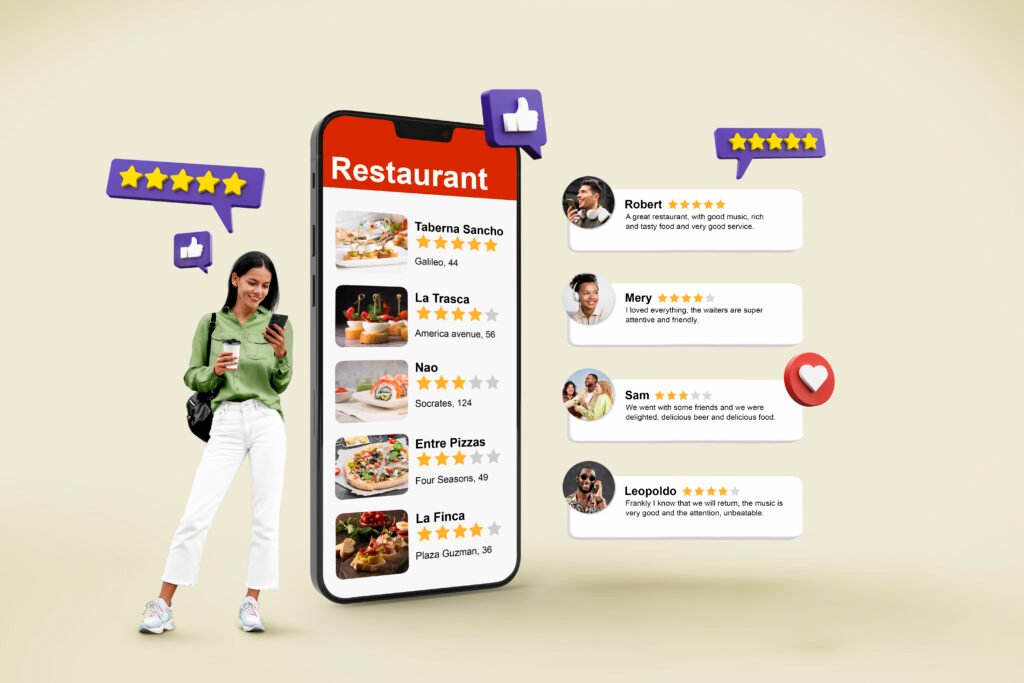
Reviews are the modern equivalent of word-of-mouth. A business with multiple positive Google reviews stands out, builds trust, and gets more clicks. Customers often filter choices by star-rating: a 4+ rating increases the chance of a call or visit. Encouraging satisfied customers to leave reviews and replying respectfully to all feedback – including negative – increases conversions and improves your local ranking.
Use Google Posts and Offers to Stay Top-of-Mind
Google Posts let you share updates, special offers, events or new services directly on your Business Profile. A weekly post keeps your profile active and gives customers reasons to act now – an event, a discount, or limited-time slot for site visits. These posts appear in your listing and can influence a customer deciding between you and a competitor.
Photos & Videos: Visual Proof That Reduces Hesitation
Customers want to see your place before visiting. Photos of your storefront, interiors, popular products, staff and completed jobs increase trust. Short walkthrough videos or a 30-second tour posted to your profile can be a powerful trigger for a visit – people prefer businesses they can visualize. Profiles with compelling visuals simply attract more clicks and direction requests.
How Google My Business Improves Local SEO and Visibility
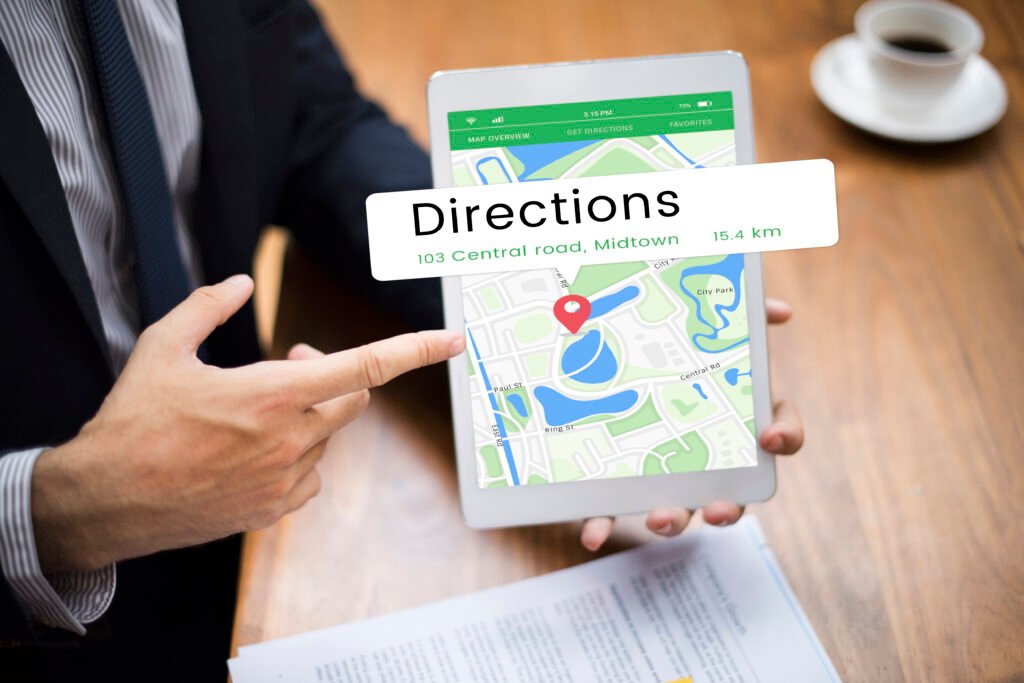
Google uses signals from your Business Profile – reviews, citations, post activity, and relevance – to decide when to show you. Good GMB practices improve your chances of appearing in the “Local Pack” (top map results), which gets more impressions and clicks than traditional search results. When you rank in that local section, you get daily organic enquiries without spending on ads.
Use Insights to Understand How Customers Find and Interact with You
Google Business Profile includes Insights which show how many people call you, request directions, view photos, and discover your profile through search queries. These data points are extremely valuable: they show what works, what customers search for, and which posts or photos drive actions. Use these insights to refine services, update business hours, or promote offers at times customers look for you.
Common Mistakes That Stop Customer Flow-and How to Fix Them
Small mistakes make big differences. Common errors include wrong categories, inconsistent NAP across directories, out-of-date hours, no photos, and ignoring reviews. Fixing these issues is often the fastest way to see immediate improvement. Ensure your information is consistent on your website, social profiles, and directories – Google looks for this consistency.
Quick Implementation Checklist: Optimize Your Profile Today
- Claim and verify your profile.
- Choose the most accurate primary category (and relevant secondary categories).
- Add detailed services with short descriptions.
- Fill business hours and special hours (holidays).
- Upload high-quality images and at least one short video.
- Enable messaging & WhatsApp if possible.
- Post weekly updates or offers.
- Ask satisfied customers for Google reviews and reply to each one.
- Check Insights weekly and adjust.
When Google My Business Alone Is Enough-And When You Need More
For many small shops and service providers, an optimized Google Business Profile alone will drive enough daily enquiries to run their business profitably. However, for competitive markets or larger goals (like scaling multiple branches), combine GMB with a simple local-SEO-optimized website, targeted Google Ads for retargeting, and a WhatsApp/CRM follow-up system. Think of GMB as the engine and other tools as the amplifier.
Real-World Example: From Invisible to Daily Calls (Short Case)
A small bakery in a busy market had a poor profile and no photos. After we updated categories, added photos, enabled messaging and asked regular customers for reviews, the bakery saw a jump in daily direction requests and call volume within three weeks. Customers started walking in citing Google directions or review recommendations – all without a single rupee spent on ads.
Handling Reviews and Messages: Customer Service That Converts
Fast, polite replies to messages and reviews increase conversions. Set up auto-replies for initial messages, then follow up with a personalized response within 30-60 minutes. Thank happy customers publicly and offer to resolve issues privately when complaints arise. Good review handling often converts critics into promoters and reassures new customers browsing your profile.
Measuring Success: KPIs That Show Daily Customer Growth
Track calls, direction requests, messages, post engagement and the number of new reviews. Monitor changes after each optimization step to see which actions produced results. A month-over-month increase in calls and direction clicks is a clear signal that your profile is generating daily customers.
Why Google My Business Is a Long-Term Investment, Not a Campaign
Unlike ads that stop generating traffic when you stop paying, a well-maintained Google Business Profile continues to earn visibility and trust. Regular updates, fresh photos, new posts, and ongoing review activity compound over time – turning your profile into a long-term customer magnet.
How AbhaTech Helps Local Businesses Get Daily Customers from Google
At AbhaTech Digital Marketing Agency, we specialize in turning offline shops and offices into online magnets. We set up and optimize Google Business Profiles, create local SEO-friendly service pages, manage review collection and responses, and build WhatsApp conversion flows to turn enquiries into visits. Our focus is practical: more calls, more walk-ins, and more customers without unnecessary ad spend.
Call to Action: Get a Free Google Business Profile Audit
If your shop or office is not getting enough calls or visits, let’s check your Google Business Profile. AbhaTech offers a Free Google Business Profile Audit that pinpoints quick fixes and growth opportunities – from categories to reviews to post strategy.
📞 Call / WhatsApp: 9027592602
📍 AbhaTech Digital Marketing Agency — Pantnagar, Uttarakhand